

How to Make Telegram Stickers: Every Method in 2026
Six ways to make your own Telegram stickers — from the built-in editor to AI. Which one to pick, how long it takes and how to put your stickers into a pack.
You can make your own Telegram sticker in a couple of minutes right in the app, without any third-party software. But the built-in editor isn’t right for everything: for a sticker pack with captions, animation or “influencer-style” stickers you’ll need other tools. Below are all the methods that work, from the simplest to the most advanced, plus a hint on which one fits your goal.
Types of Telegram stickers
Before choosing a method, decide what kind of sticker you need. That determines the tool.
- Static. A regular PNG or WEBP image with a transparent background. The simplest and most popular option: a photo of a friend, a cat, a meme with a caption.
- Video stickers. A short clip of up to 3 seconds in WEBM format. Made from a video or a GIF.
- Animated. Vector animation in TGS format. Smooth and lightweight, but you need animation software skills to make them.
All three types are collected into a sticker pack — a set you can add for yourself and share with friends via a link. We covered the detailed requirements for each format in our article “Telegram sticker requirements”.
Method 1. Telegram’s built-in editor
Since 2024 you can make stickers right inside the Telegram app on iPhone and Android. The editor cuts out a person or object from a photo automatically, and you add text and drawings.
- Open any chat and tap the emoji icon next to the message field.
- Go to the “Stickers” tab and tap “+” (or “Create sticker”).
- Pick a photo from your gallery. Telegram will offer to cut out the main object.
- Adjust the cutout if needed, add text, draw something.
- Tap “Add to set” and choose an existing sticker pack or create a new one.
Pros: free, fast, nothing to install. Cons: the automatic cutout sometimes fails on busy backgrounds, and the choice of fonts and effects is limited.
This method is perfect when you need one or two stickers “right now”. For a step-by-step guide with photos, see our article “How to make a sticker from a photo in Telegram”.
Method 2. The official @Stickers bot
The @Stickers bot is the main tool for working with sticker packs. Almost every other method goes through it: apps and editors prepare the image, and @Stickers turns it into a sticker and builds the pack.
- Search Telegram for the @Stickers bot and tap “Start”.
- Send
/newpackfor static stickers,/newvideofor video stickers or/newanimatedfor animated ones. - Come up with a name for the set — everyone who adds the pack will see it.
- Send the image as a file, not as a photo. On a phone, tap the paperclip → “File”; on a computer, just drag the file into the chat.
- Send an emoji that matches the sticker. The sticker will show up in search by this emoji.
- Repeat steps 4–5 for the rest of the stickers.
- Send
/publish, choose a pack icon (or skip) and pick a short name for the link.
Done: the bot sends you a link like t.me/addstickers/pack_name. Anyone can add the pack with it.
Pros: full control over the pack, works from both phone and computer. Cons: you need to prepare the image in advance, and it must strictly meet the size and weight requirements.
You use the same bot to edit the pack later: /addsticker adds a sticker, /delsticker removes one, /ordersticker changes the order.
Method 3. Mobile apps
If you want to cut out the object carefully by hand and add an outline and captions, dedicated apps are more convenient.
- iPhone: on iOS 16 and later you can press and hold an object in a photo, the system cuts it out for you, and you can paste it straight into the chat with @Stickers. Any photo editor that supports transparent backgrounds works for outlines and captions.
- Android: photo editors from Google Play that can remove the background and save a PNG with transparency.
They all work the same way: pick a photo, trace the part you need, add a white outline and text, save a 512×512 PNG and send it to @Stickers. Some apps can export a whole set to Telegram with an “Add to Telegram” button.
Pros: precise manual cutout, outlines, lots of fonts. Cons: ads and paid features, each sticker takes a few minutes.
Method 4. Online editors on a computer
Canva, Figma, Photopea and other editors are a good fit if you’re making stickers for a brand, a channel or a large pack in a single style.
- Create a 512×512 pixel canvas.
- Remove the background from the photo (in many editors it’s one button).
- Add a caption, an outline and other elements.
- Save as a PNG with a transparent background.
- Check the file size: it must not exceed 512 KB.
- Upload the file to @Stickers.
Pros: professional results, easy to keep a pack in one style. Cons: takes time and basic editing skills.
Method 5. AI: a hand-drawn sticker with your face
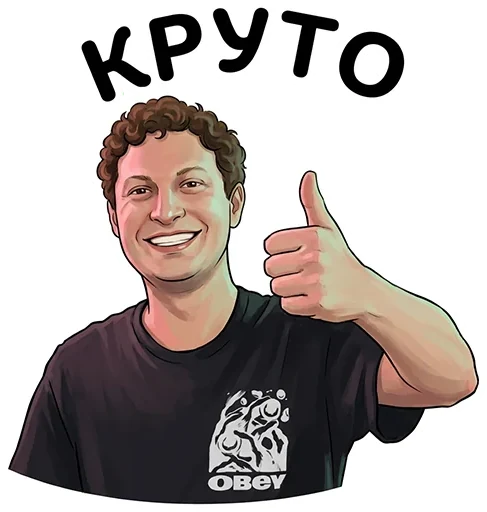
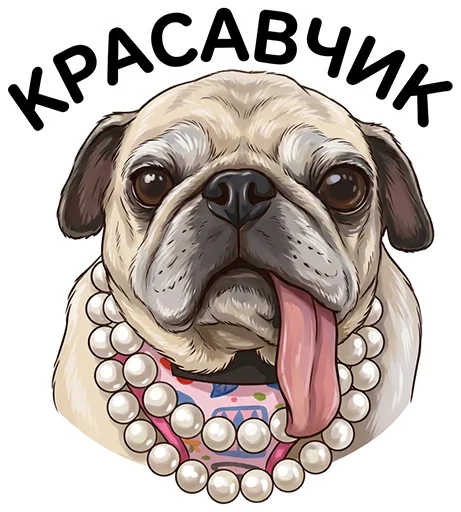
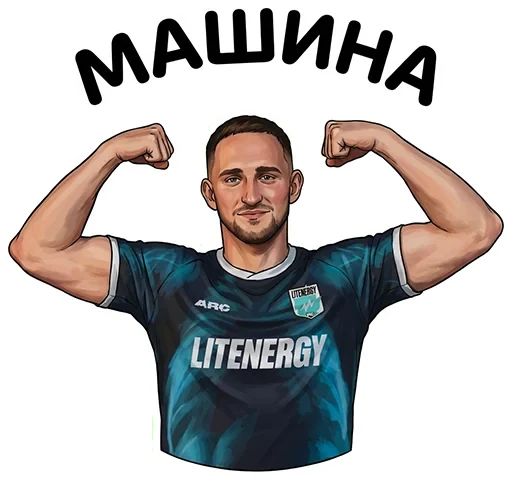
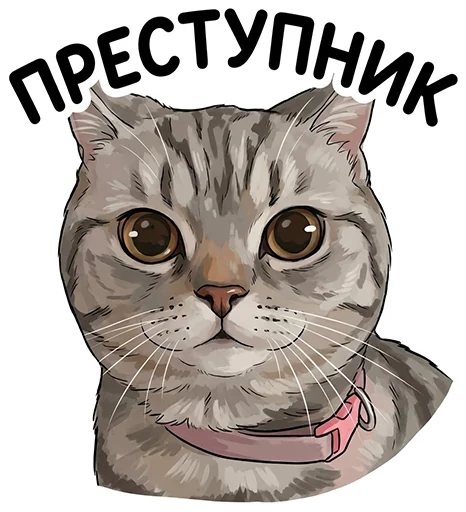
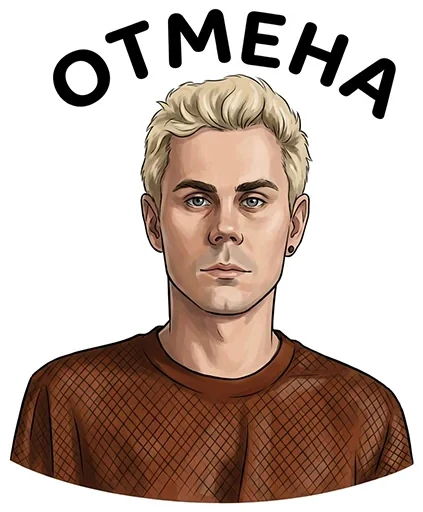
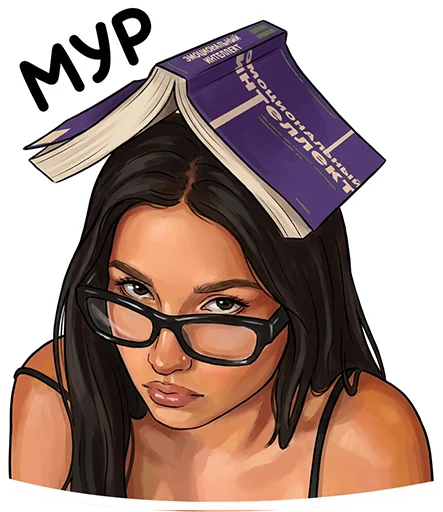
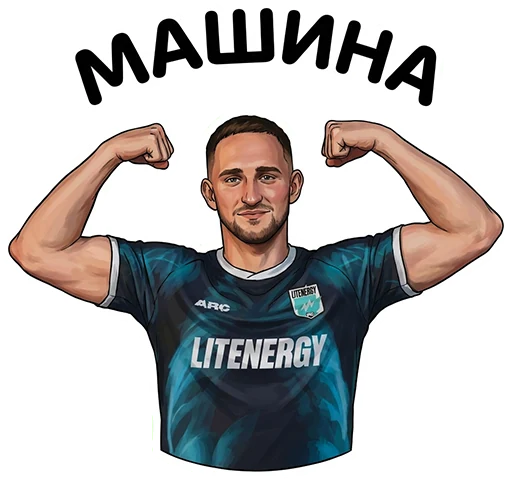
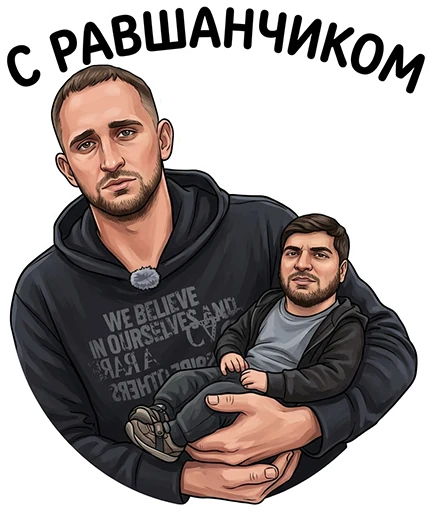
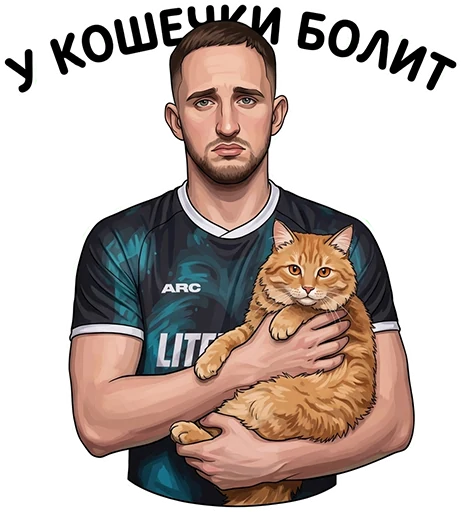
The built-in editor and apps simply cut out the photo. If you want a drawn sticker — cartoon, anime-style or “like Litvin’s” — the easiest option is AI.
That’s how our HYPE STIK bot (@hypestickbot) works:
- Upload a photo of a person.
- Add a phrase for the sticker or skip this step.
- A minute later you get a finished sticker that you can add to Telegram right away.
The AI keeps the facial features but redraws the face so the sticker looks like a real illustration rather than a photo cutout. That’s how the influencer packs with millions of installs were made.
Pros: designer-level results, no skills needed, one minute per sticker. Cons: generations are paid, and for the best result you need a clear photo of the face in good light.
Method 6. Hire a designer
If you need a unique character, a branded pack for a company or complex animation, you can hire an illustrator. It’s expensive and slow — from a few days to a couple of weeks per pack — but you get a completely original style.
Which method to choose
| Goal | Best method | Time |
|---|---|---|
| One sticker from a photo “right now” | Telegram’s built-in editor | 1–2 minutes |
| A pack from ready-made images or memes | The @Stickers bot | 10–20 minutes |
| Stickers with a neat outline and captions | A mobile app | 3–5 minutes per sticker |
| A pack for a channel or brand in one style | An online editor | 1–3 hours |
| A hand-drawn sticker with a person’s face | AI, for example HYPE STIK | 1 minute per sticker |
| A unique character or animation | A designer | from a few days |
How to make a sticker people actually send
Technically, making a sticker is easy. The hard part is making one people really use. A few rules that work:
- One emotion per sticker. Surprise, laughter, “yeah, right”, “I’m shocked”. The clearer the emotion, the more often the sticker gets sent.
- A short caption. Two to four words are read instantly in a chat. Nobody reads a long phrase.
- A large subject. The face or object should fill almost the whole 512×512 square. A small subject turns into a dot in the chat.
- A white outline. It separates the sticker from the chat background in both light and dark themes.
- Everyday phrases. “Hi”, “thanks”, “ok”, “love you”, “going to bed”, “waiting” are the most-sent stickers, not the funniest ones.
- 8–12 stickers in your first pack. That’s enough to cover the main emotions without getting tired of making them.
How to prepare a photo for a sticker
Whichever method you choose, half of the result depends on the source photo.
- Light. Daylight from a window falling on the face from the front works best. Harsh shadows and blown-out highlights ruin both the automatic cutout and the AI’s work.
- Background. A plain wall, the sky, a door. The fewer details behind you, the cleaner the sticker’s edges.
- Framing. Head and shoulders in close-up. In a wide shot, the face turns into a dot on the sticker.
- Quality. Use the original photo, not a screenshot or a picture forwarded through a messenger: forwarding compresses the photo and loses detail.
- Emotion. The best stickers come from photos where the person is laughing, surprised, frowning or winking. Ask a friend to pull some faces for the camera — it takes a minute, and the pack comes out lively.
Example: a 10-sticker pack in one evening
If you want a full pack rather than one sticker, here’s a plan that works.
- Pick a hero. You, a friend, a pet or your channel’s character.
- Make a list of 10 emotions and phrases. For example: “Hi”, “LOL”, “OK”, “I’m shocked”, “Thanks”, “Waiting”, “Love you”, “No”, “Going to bed”, “You’re something else”.
- Take 10 photos, one for each emotion, in a single session and in the same light. That way the stickers come out in one style.
- Make the stickers with whichever method suits you: the built-in editor, an app or AI.
- Put them into one pack with the @Stickers bot or the “Add to set” button.
- Assign matching emoji so the stickers get suggested in chats.
- Send the pack link to friends or post it in your channel.
It all takes one evening, and a pack built around your real phrases gets sent for years.
Common mistakes
The @Stickers bot says the file isn’t suitable. Most often the image was sent as a photo rather than a file, or one of its sides isn’t 512 pixels. Fix: send it as a file and adjust the size.
A white background instead of a transparent one. JPG doesn’t support transparency. Save as PNG or WEBP.
The file is too heavy. The limit for a static sticker is 512 KB. Reduce the number of colors or compress the PNG with an online compressor.
The sticker doesn’t show up in search. Each sticker needs an emoji assigned to it. You can assign several.
Frequently asked questions
Can I make Telegram stickers for free?
Yes. The built-in editor, the @Stickers bot and most apps are free. AI services and designers are usually paid.
Can I make stickers on a computer?
Yes. Prepare the image in any editor and upload it through the @Stickers bot in Telegram Desktop or the web version.
How many stickers can one pack hold?
A regular pack holds up to 120 stickers. Video and animated packs may have a lower limit — the @Stickers bot will tell you if you exceed it.
Can I make stickers from someone else’s photo?
Technically yes, but you shouldn’t publish a pack with a person without their consent. For yourself and your friends — go ahead; for public packs — only with permission.
How do I share my sticker pack?
Send the link t.me/addstickers/pack_name or simply send any sticker from the pack: the other person taps it and can add the whole set.
Summary
For a single sticker, Telegram’s built-in editor is enough. For a pack, use the @Stickers bot and any image editor. And if you want a real hand-drawn sticker with a face rather than a photo cutout, upload a photo to the HYPE STIK bot: your sticker will be ready in a minute.